
Launch high-uptime virtual servers in seconds, modify your memory and compute power on the fly, and prevent data loss with integrated backup security.
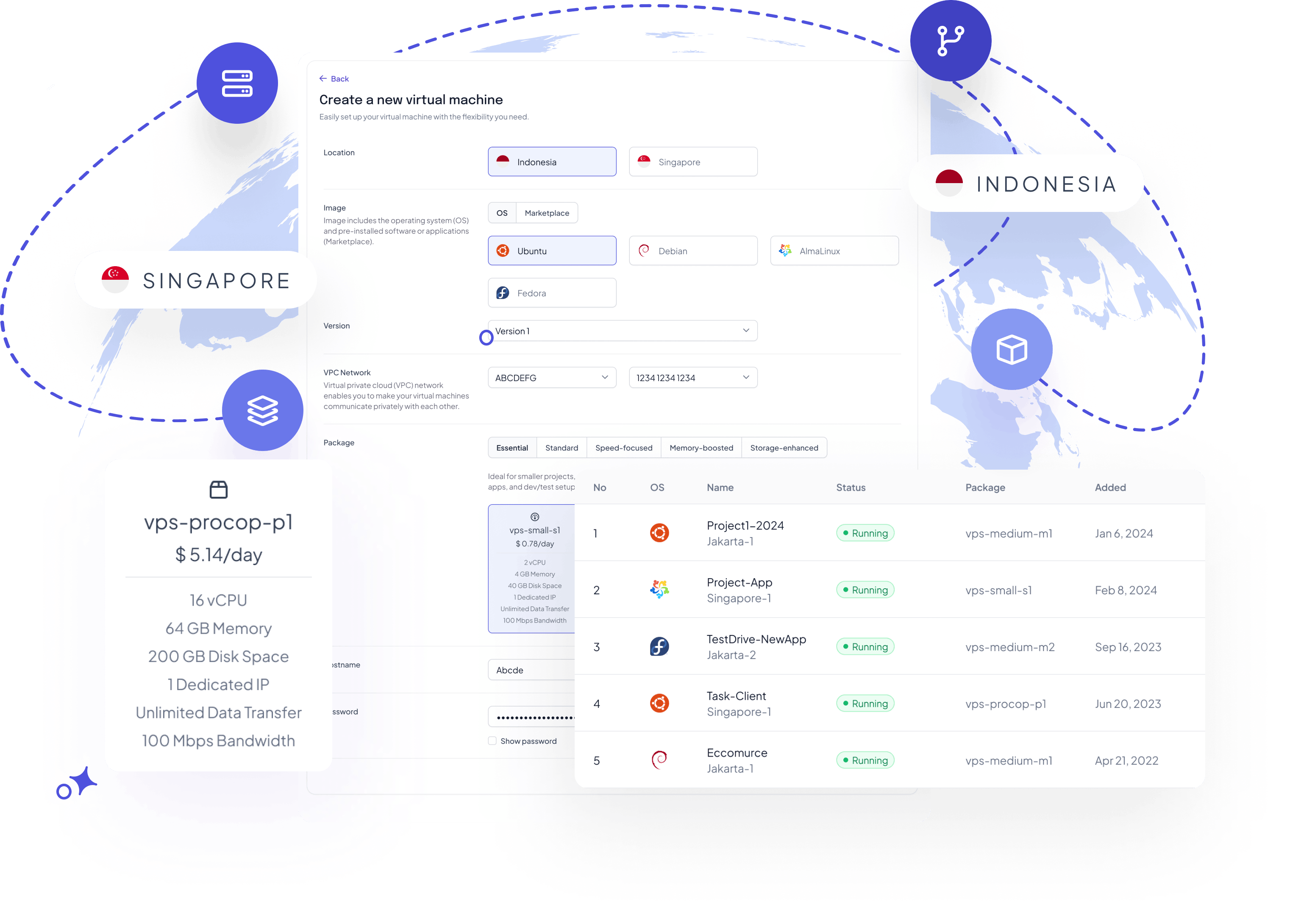
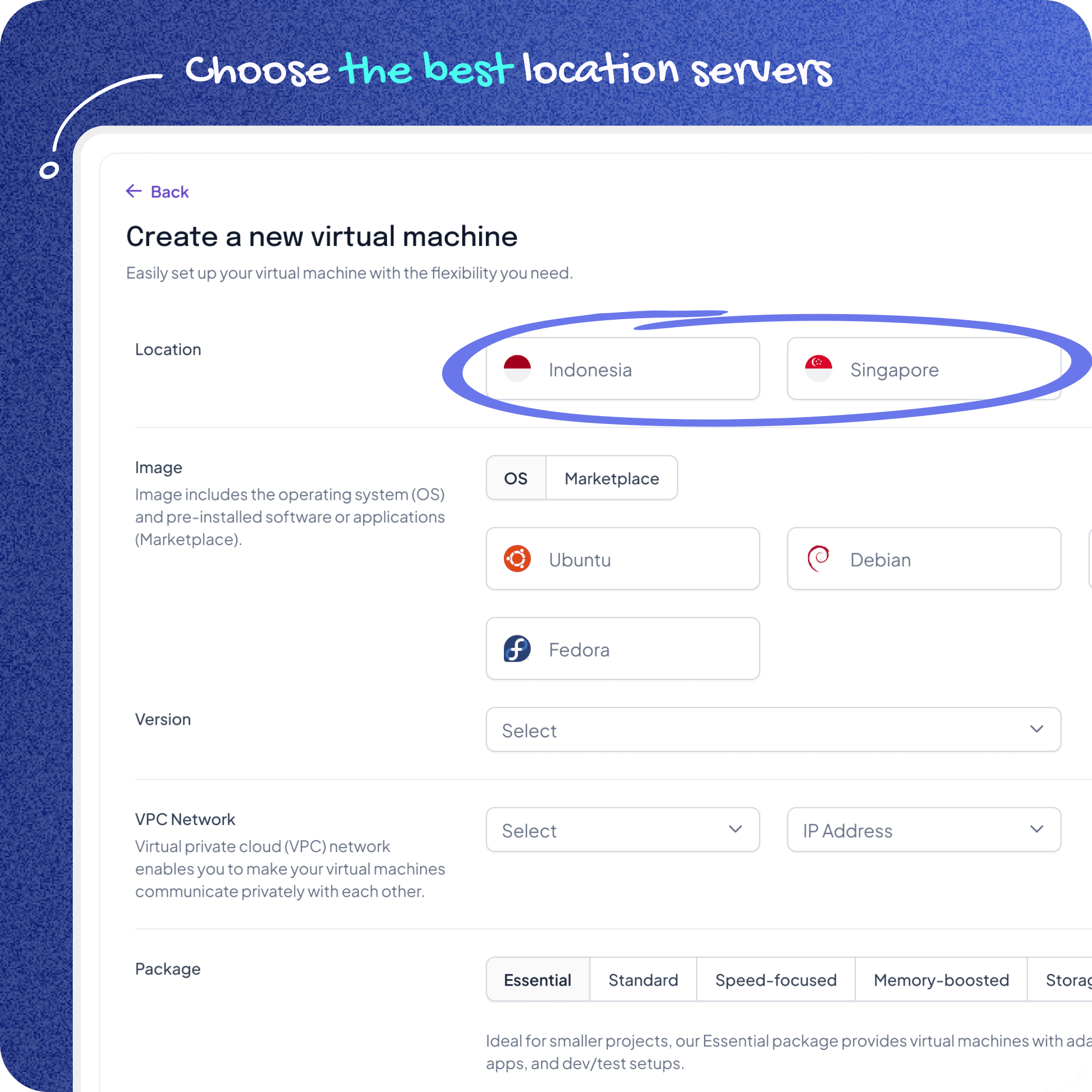
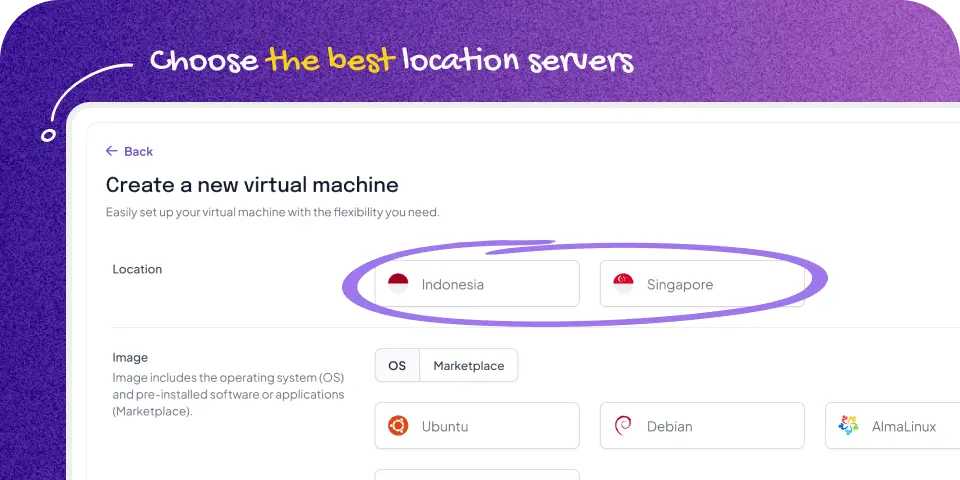
Configure Virtual Machines according to your operational requirements and deploy them across multiple available infrastructure locations. As workloads evolve, resources can be adjusted to help maintain performance, optimize utilization, and support business growth without unnecessary infrastructure overhead.
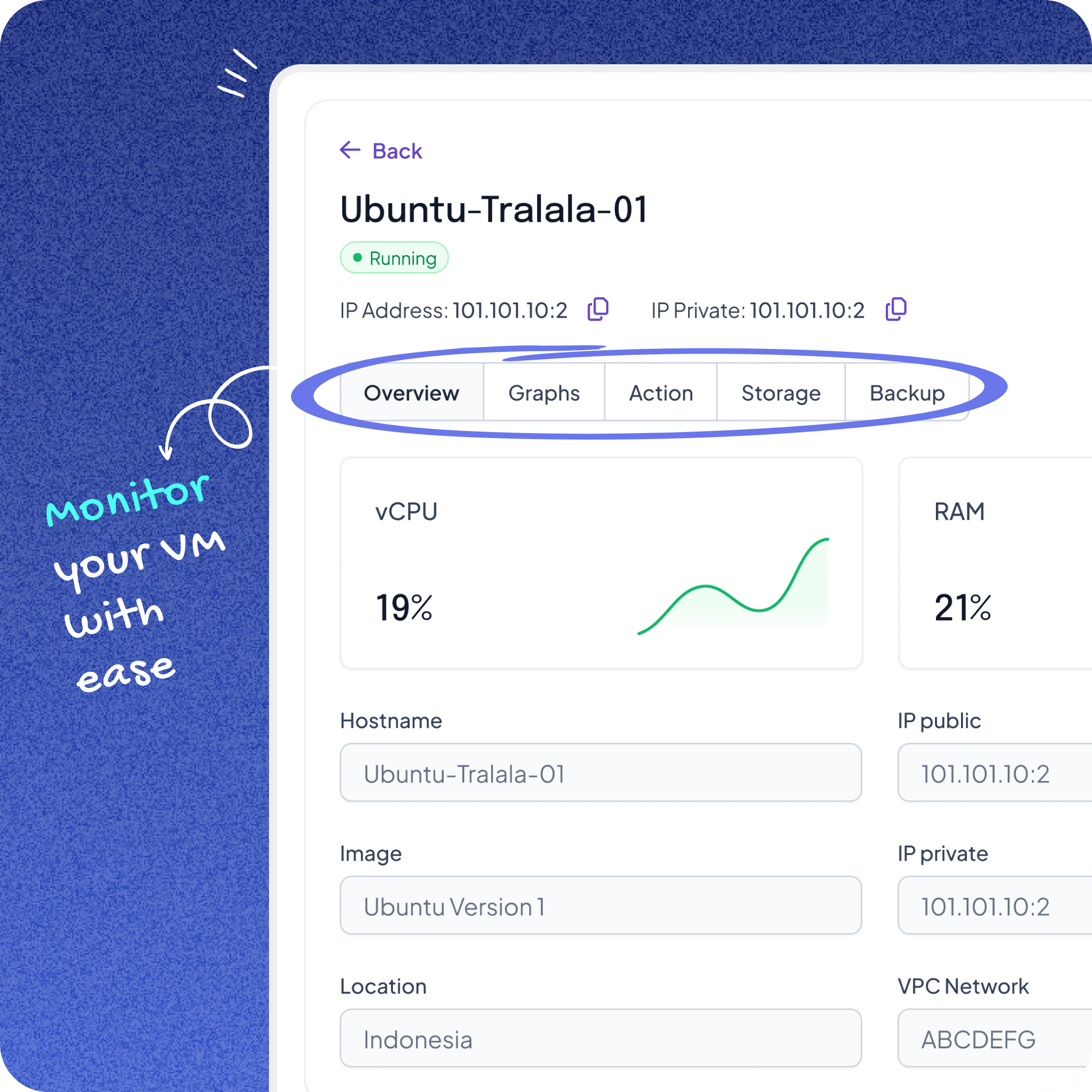
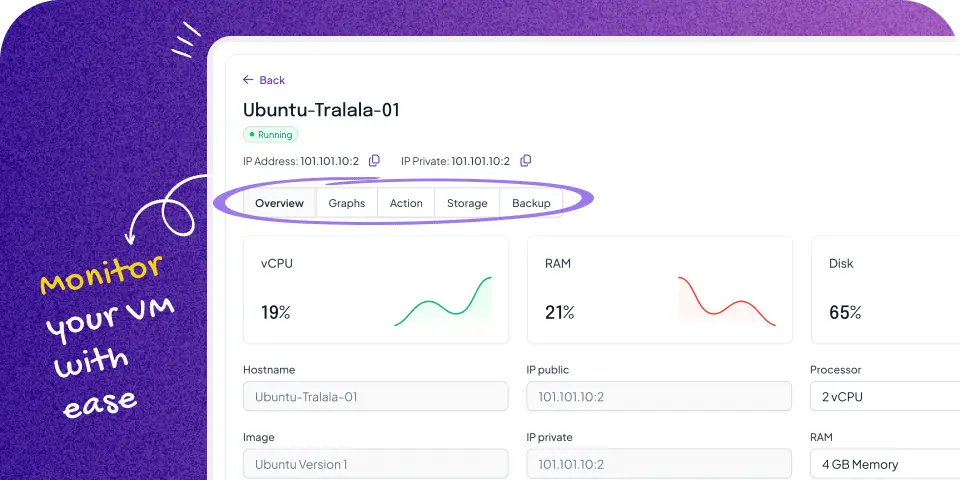
Manage the entire Virtual Machine lifecycle through a centralized control panel that simplifies provisioning, monitoring, and configuration. Integrated visibility into infrastructure resources helps technology teams maintain operational oversight and make informed decisions based on system activity.
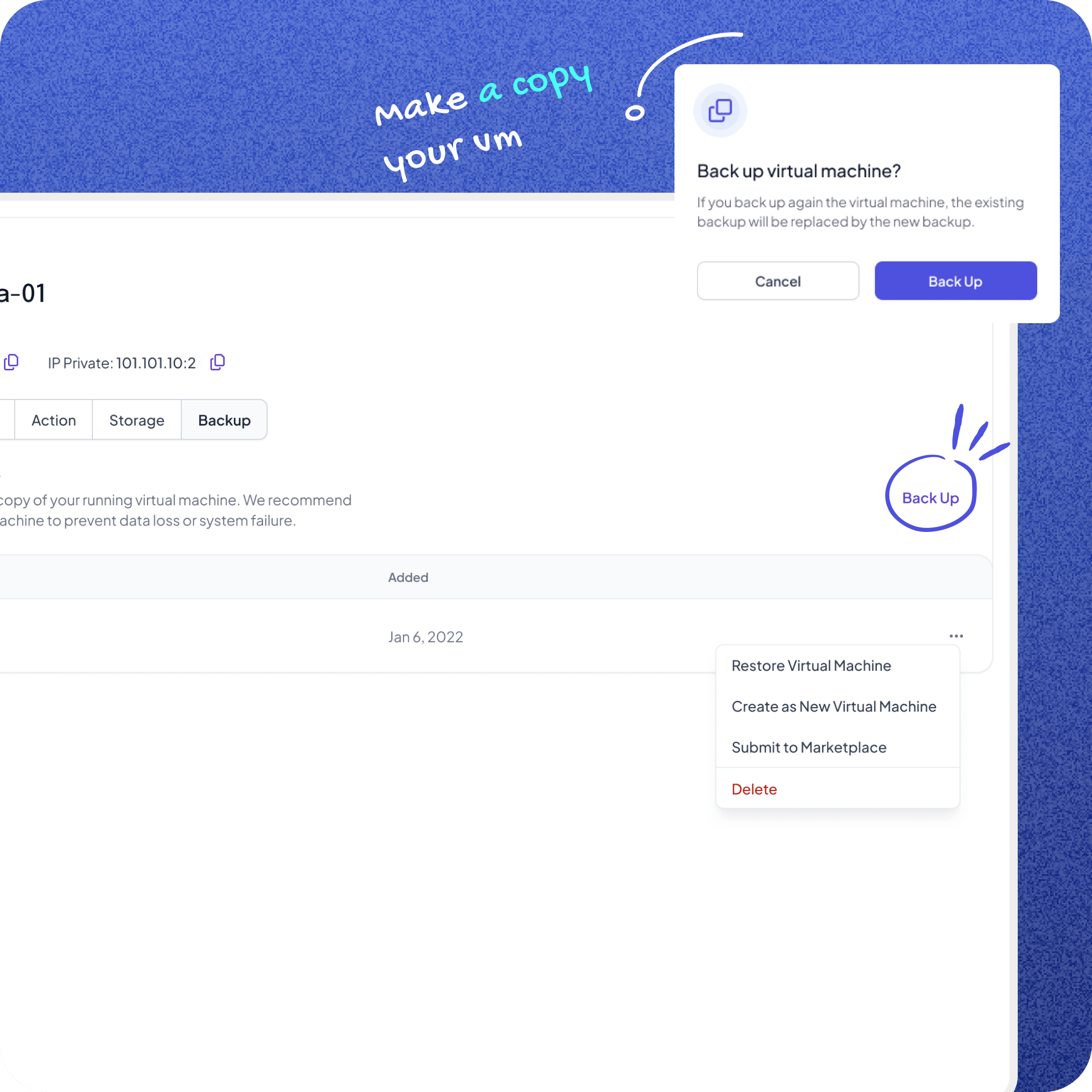
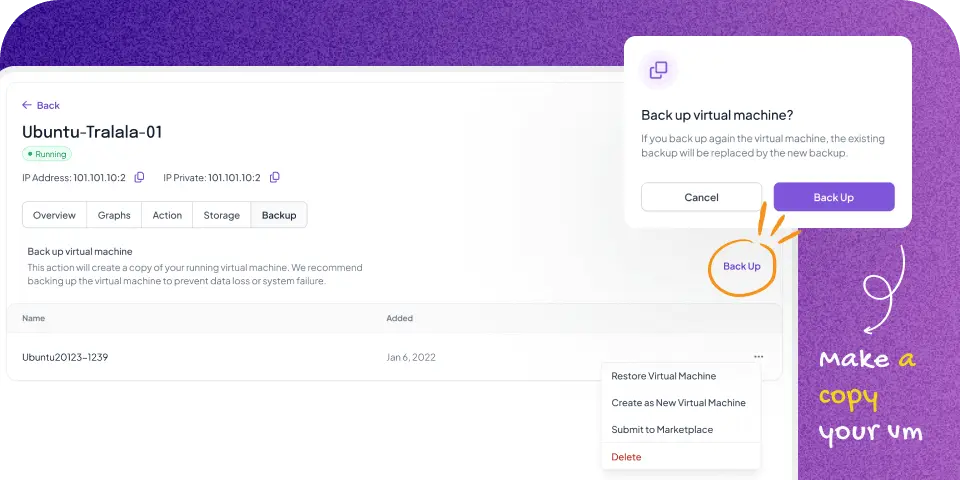
Protect business-critical workloads with integrated backup capabilities designed to support operational continuity. Create and restore recovery points when required, helping reduce downtime risks and improve resilience against unexpected system failures.
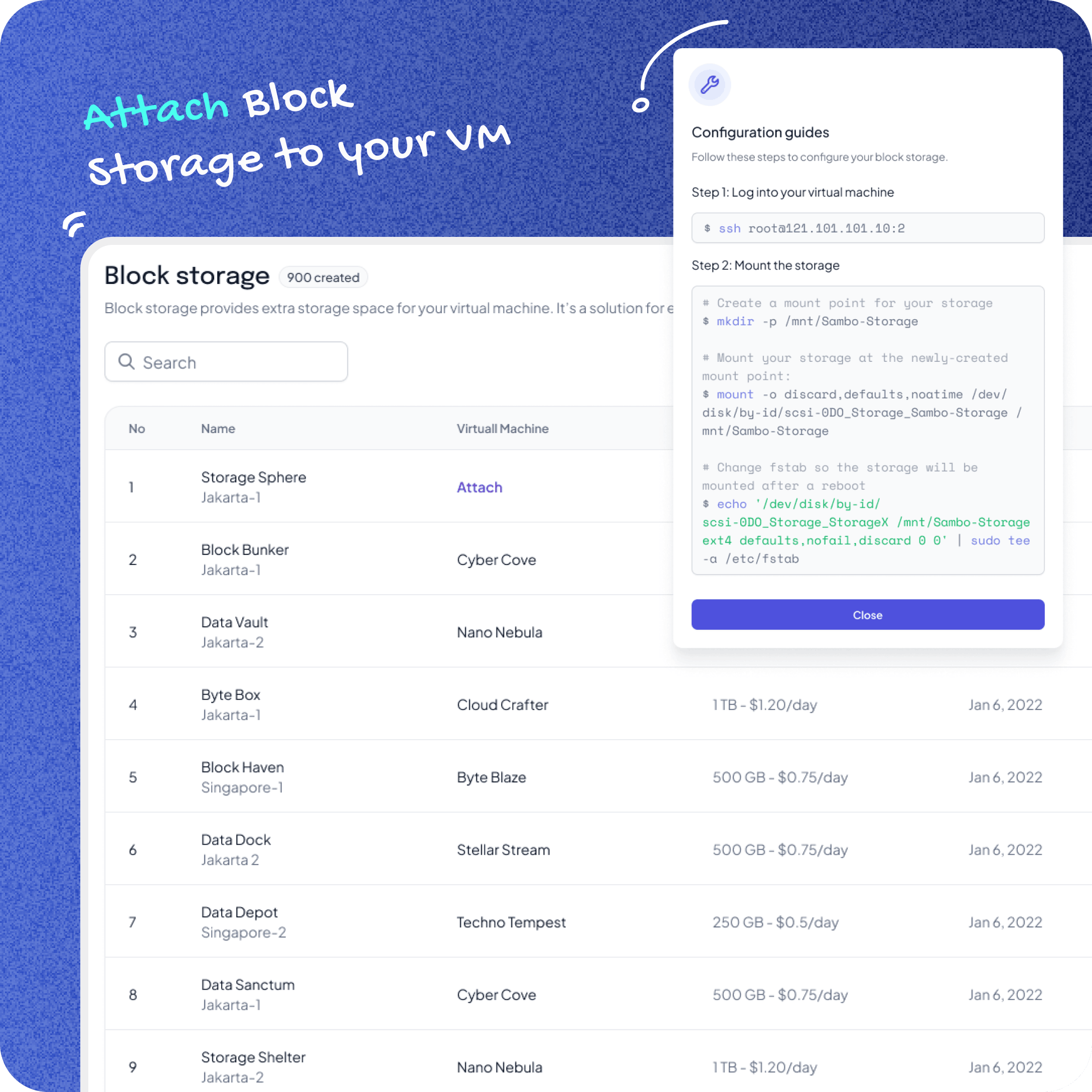
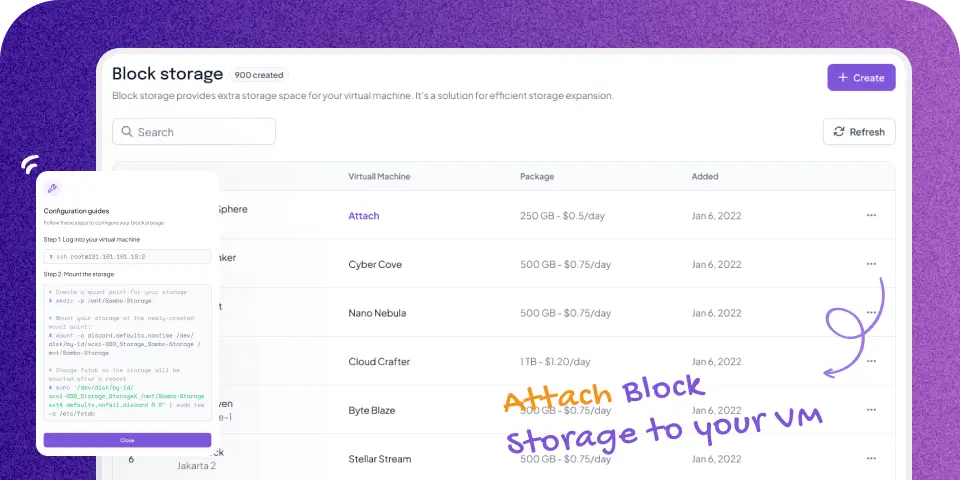
Expand storage resources as application and data requirements increase without disrupting existing workloads. Additional block storage capacity can be attached to Virtual Machines, enabling organizations to accommodate growing datasets while maintaining operational efficiency.
Compute Resources for Every Workload
Compare VM specifications and find the right balance of performance, scalability, and cost for your infrastructure needs.


Common Deployment Scenarios
Explore how organizations utilize Virtual Machines across different operational environments.
Remote Access
Access and manage Virtual Machines remotely through a web-based console without requiring direct access to physical infrastructure. Administrators can perform system configuration, execute commands, manage files, and maintain operating environments from a centralized interface. This capability supports operational continuity across distributed teams and multiple locations. Technology teams can respond to infrastructure requirements more efficiently while maintaining visibility and control over critical systems.
Application Deployment
Deploy applications across development, staging, and production environments with consistent infrastructure resources. Virtual Machines provide the flexibility to allocate compute capacity according to workload requirements while maintaining application performance and availability. As business demands change, resources can be scaled up or down without extensive infrastructure planning. This enables organizations to adapt more quickly to operational requirements and evolving workload demands.
Development & Testing
Create isolated environments for software development, validation, and testing without affecting production workloads. Teams can evaluate application updates, dependencies, libraries, and system configurations in a controlled environment before deployment. By separating testing activities from live systems, organizations can identify potential issues earlier, reduce deployment risks, and improve the reliability of software releases throughout the development lifecycle.
Customer-Facing Platforms
Support websites, portals, and digital services that experience varying traffic volumes with infrastructure resources that can adapt to changing demand. Compute, storage, and networking resources can be provisioned according to workload requirements to maintain service performance. As usage increases, infrastructure capacity can be expanded to support application availability and operational continuity. This helps organizations maintain a consistent user experience during periods of growth or peak traffic activity.
Get the infrastructure you need with pricing that stays predictable without surprise bandwidth costs.

Mocaas Cloud Sevice
$23.4
Include bandwidth

Google Cloud Platform
$27.55
With bandwidth: $342.37

Amazon Cloud (AWS)
$30.55
With bandwidth: $98.47

Azure Cloud Service
$30.9
Temporary Storage (0 Gib)

Alibaba Cloud Service
$39.3
With bandwidth: $3.4
Mocaas Cloud Sevice
$23.4
Include bandwidth
Google Cloud Platform
$27.55
With bandwidth: $342.37
Amazon Cloud (AWS)
$30.55
With bandwidth: $98.47
Azure Cloud Service
$30.9
Temporary Storage (0 Gib)
Alibaba Cloud Service
$39.3
With bandwidth: $3.4

Mocaas Cloud Sevice
$23.4
Include bandwidth
Google Cloud Platform
$27.55
With bandwidth: $342.37
Amazon Cloud (AWS)
$30.55
With bandwidth: $98.47
Azure Cloud Service
$30.9
Temporary Storage (0 Gib)
Alibaba Cloud Service
$39.3
With bandwidth: $3.4
Flexible Compute for Continuous Scaling
Start with the resources you need today and scale as your workloads evolve.

vps-small-s1

vps-medium-m1
vps-medium-m1

vps-xlarge-x1
vps-xlarge-x2

vps-memop-mm1
vps-memop-mm2

vps-procop-p1
vps-procop-p2
Deploy Virtual Machines with the flexibility to support evolving workloads, application growth, and operational requirements.
Explore More Mocaas cloud's products
Expand storage capacity for applications and databases as operational requirements grow..
Store backups, archives, and unstructured data through a scalable storage platform.
Enable secure communication between infrastructure resources within an isolated network environment.
Explore common questions about Virtual Machines, networking, infrastructure deployment, and resource management. Need additional guidance? Our team is available to help you evaluate the right infrastructure approach for your requirements.

See our full list of operating systems.
You maintain full root-level control over your instance security policies, including custom firewalls and access controls. For business continuity and disaster recovery, you can utilize our automated snapshot and backup infrastructure to instantly restore your environment to a previous stable state.
Yes. Our platform allows you to provision identical new instances instantly using your stored backup files, replicating your exact data and system configurations to accelerate recovery and scaling workflows.
You can refer here for more information
Billing for virtual instances applies as long as resources remain allocated. To completely stop charges for an instance you no longer require, simply terminate and delete the resource through your management dashboard to end its billing cycle.

Experience complete resource control, automated backup protection, and dependable cloud stability with zero hidden fees.
